

MediaMate
UI replacement for volume, brightness and now playing controls
MediaMate replaces the default macOS heads‑up displays for volume, screen brightness, keyboard backlight, and now‑playing information with compact, visually refreshed overlays. When a user adjusts volume or brightness, a smaller HUD appears, providing a clearer indication of the current level without occupying the full screen. The keyboard backlight can be controlled through a dedicated HUD and a shortcut, offering quick feedback on illumination settings.
For media playback, MediaMate shows a concise overlay that reveals the currently playing track, positioned near the notch area to stay out of the way of other content. The application supports all macOS 13+ devices, including those with Touch Bar, although Touch Bar functionality requires an optional mode that may be less reliable.
Designed as a productivity‑focused UI enhancement, MediaMate aims to streamline everyday adjustments on macOS by delivering streamlined, unobtrusive visual cues for common system controls.
Reviews
Loading reviews…
Similar apps
Display & Accessibility
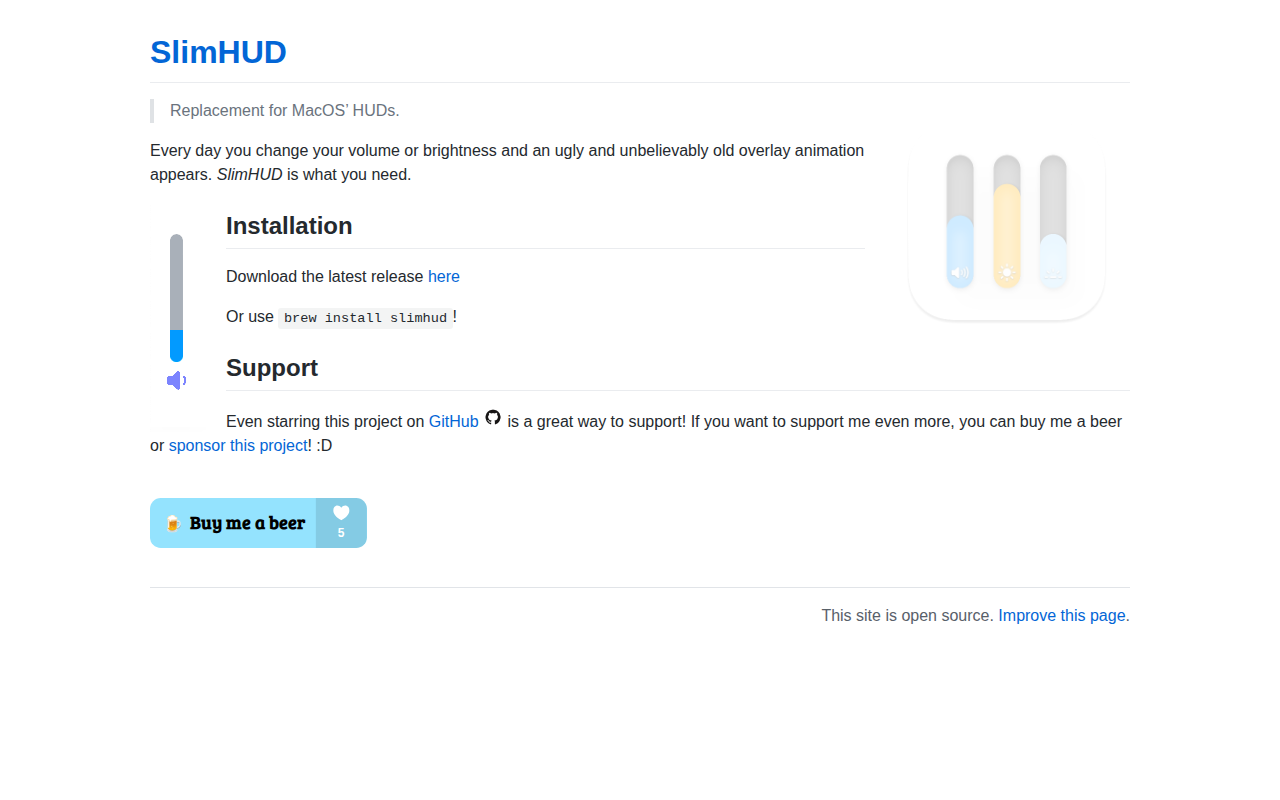
SlimHUD
Replacement for the volume, brightness and keyboard backlight HUDs
Window & Desktop Management
DynamicHorizon
Adds media controls, notifications, and system indicators to the notch area.
Display & Accessibility
MonitorControl
Control external display brightness and volume directly.
Display & Accessibility
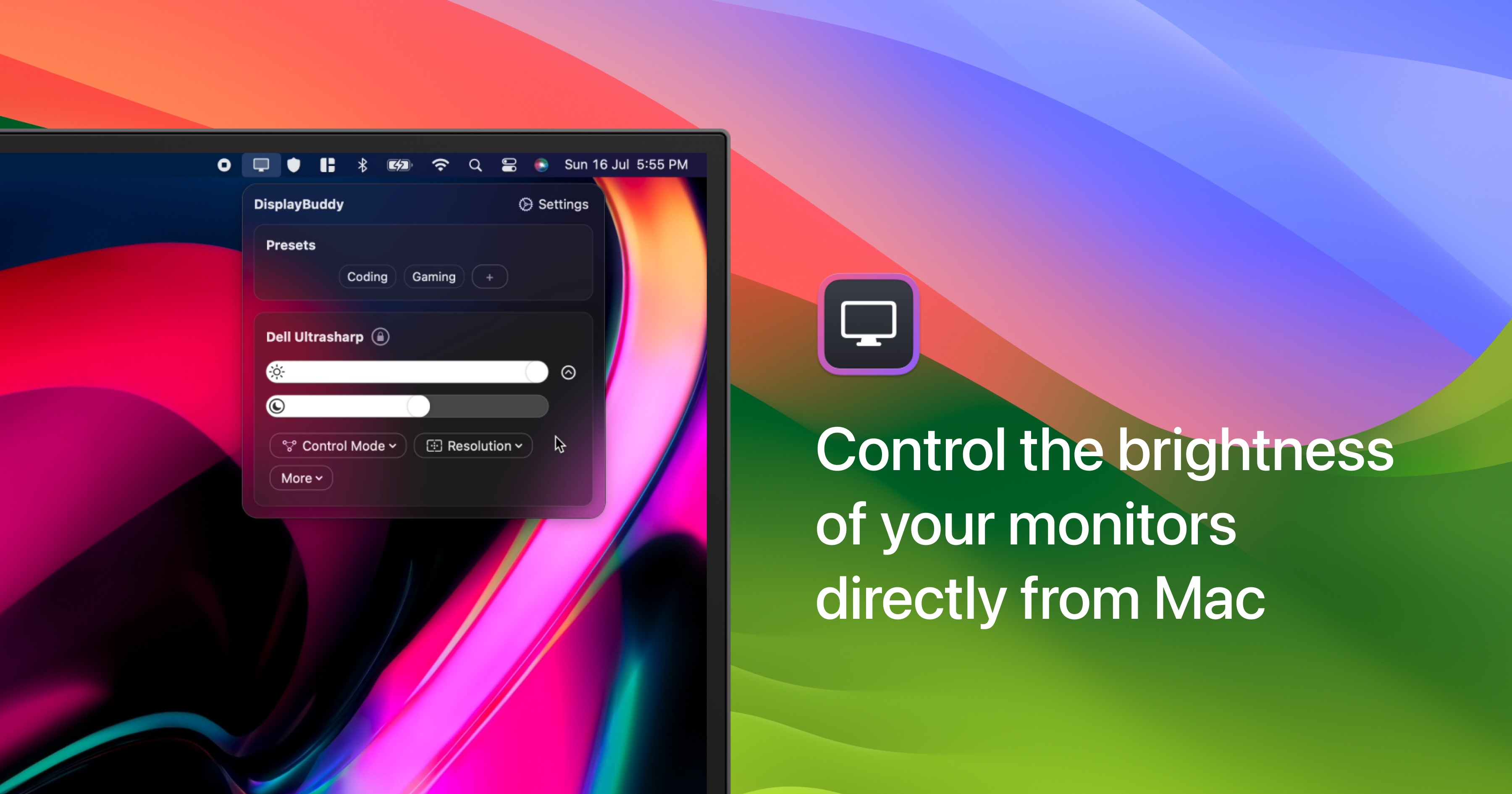
DisplayBuddy
Control external display brightness, contrast, and input source.
Clipboard, Input & Automation
Volume Control
Control the volume of Apple Music and Spotify using keyboard volume keys

Window & Desktop Management
Dock Mate
Window previews and controls