
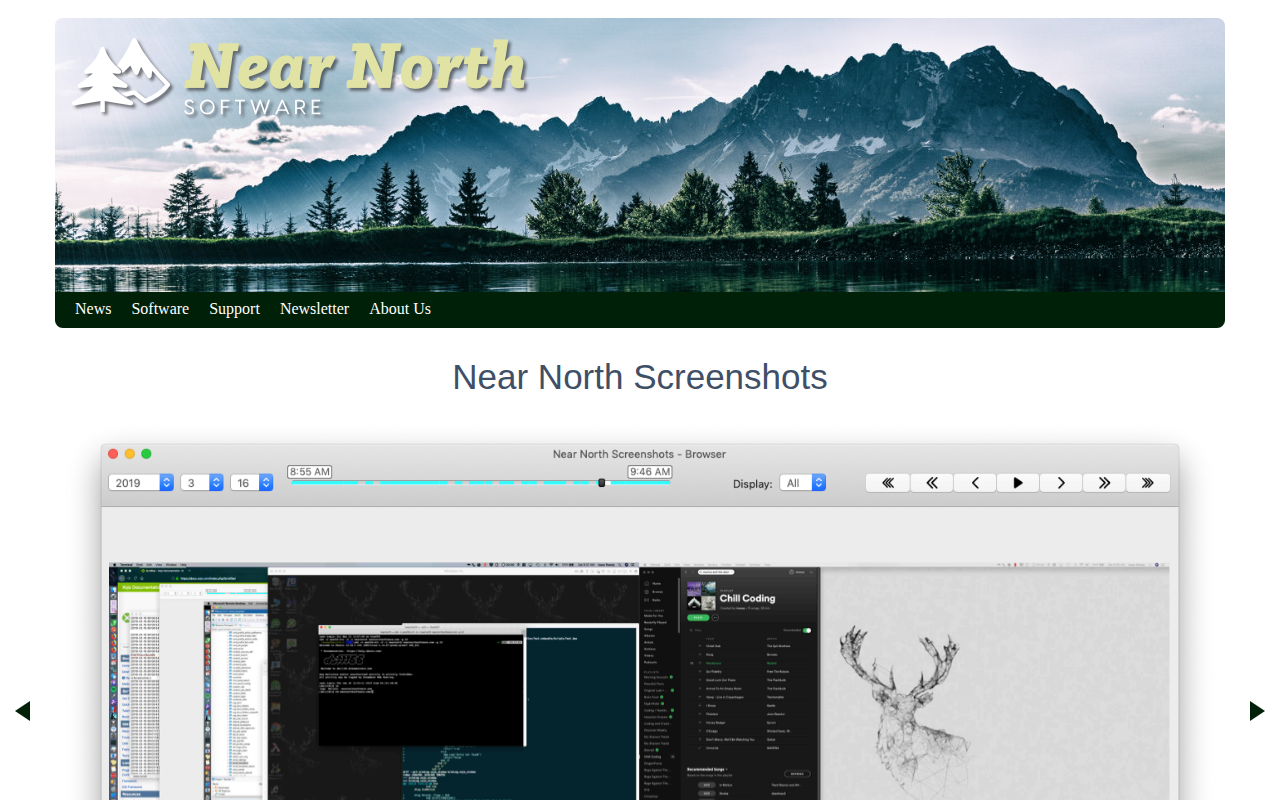
nnScreenshots
Capture periodic screenshots to review your day and fill timesheets.
The application runs in the background and periodically captures screenshots, building a visual timeline of a user’s computer activity. Captured images are organized into a scrollable view that can be scrubbed like a video, allowing quick identification of gaps or periods of work. Users can configure how long screenshots are retained, and the program automatically removes older images to manage disk usage.
Integrated timesheet functionality creates entries from the captured data, calculates task durations, and lets users edit or add details directly within the interface. Time entries can be exported as PDFs, CSV files, or through built‑in bundles such as ClickTime, facilitating reporting or invoicing. The timeline can be reviewed and exported without leaving the program.
The software is available for Windows and macOS, supports dark mode on macOS Mojave and newer, and includes direct developer support via a web form. It is marketed as a stable utility for tracking daily productivity and simplifying timesheet completion.
Reviews
Loading reviews…
Similar apps
Time Tracking & Focus
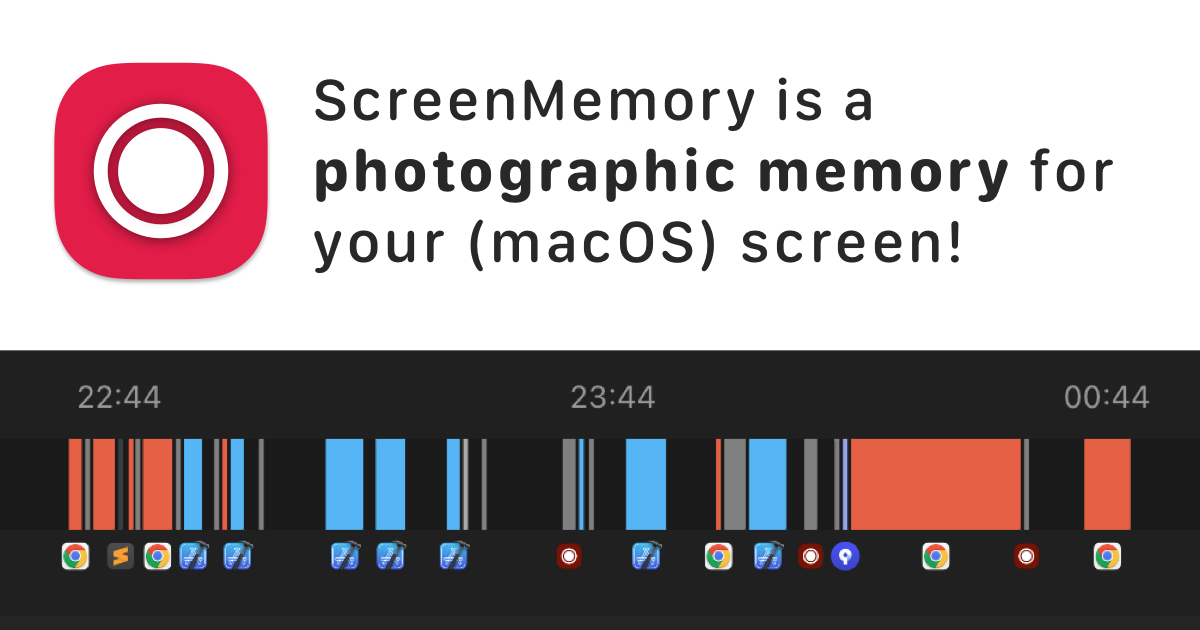
ScreenMemory
Record your screen and go back in time to see what you worked on
Screenshot & Screen Recording
Xnapper
Screenshot tool
Screenshot & Screen Recording
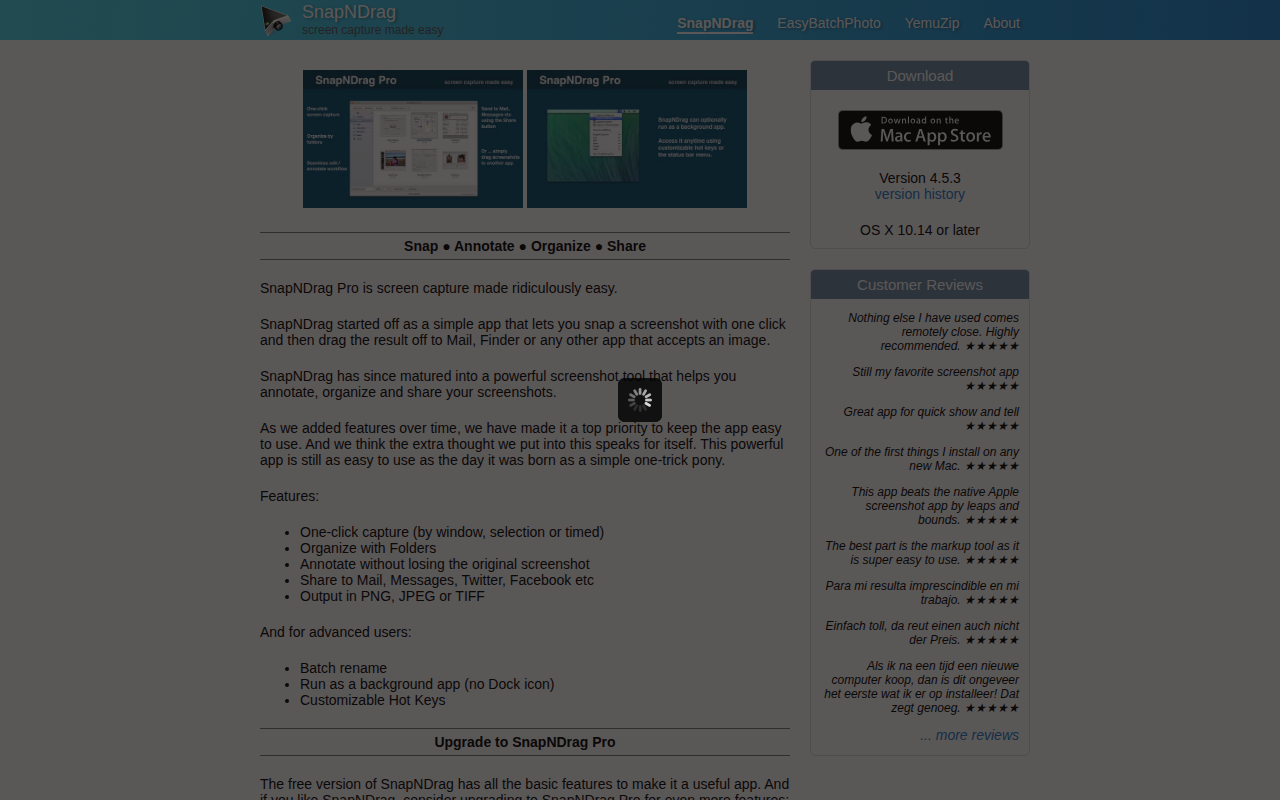
SnapNDrag
Screen capture application
Screenshot & Screen Recording
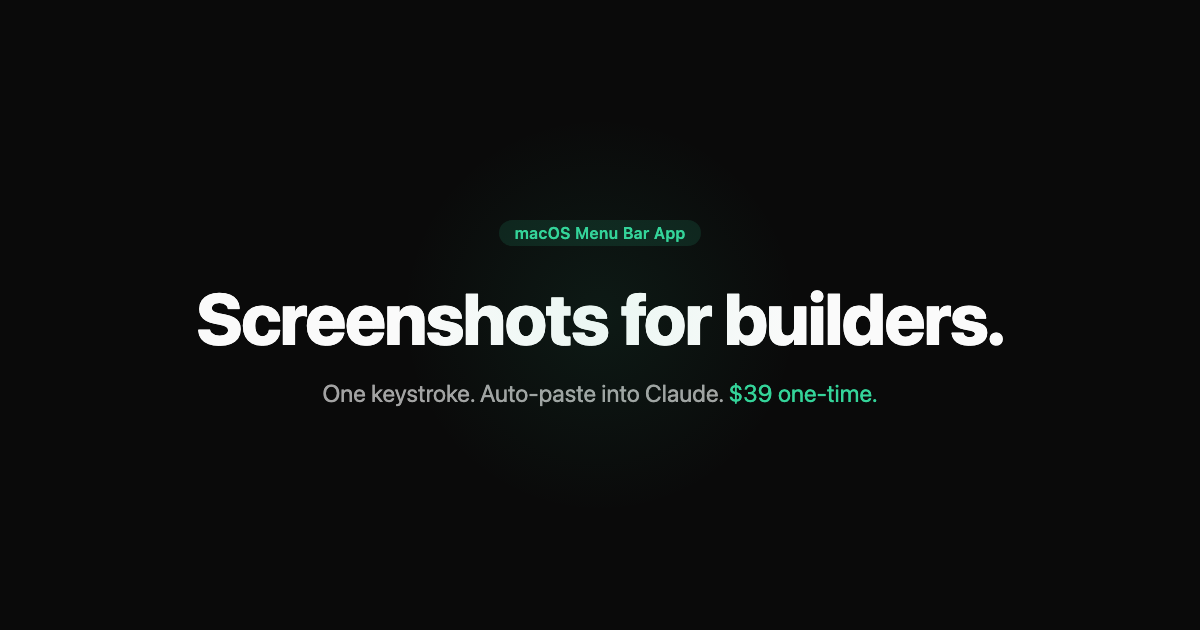
LazyScreenshots - Screenshots for builders
One keystroke. Auto-paste into Claude. Zero context switching.
Screenshot & Screen Recording
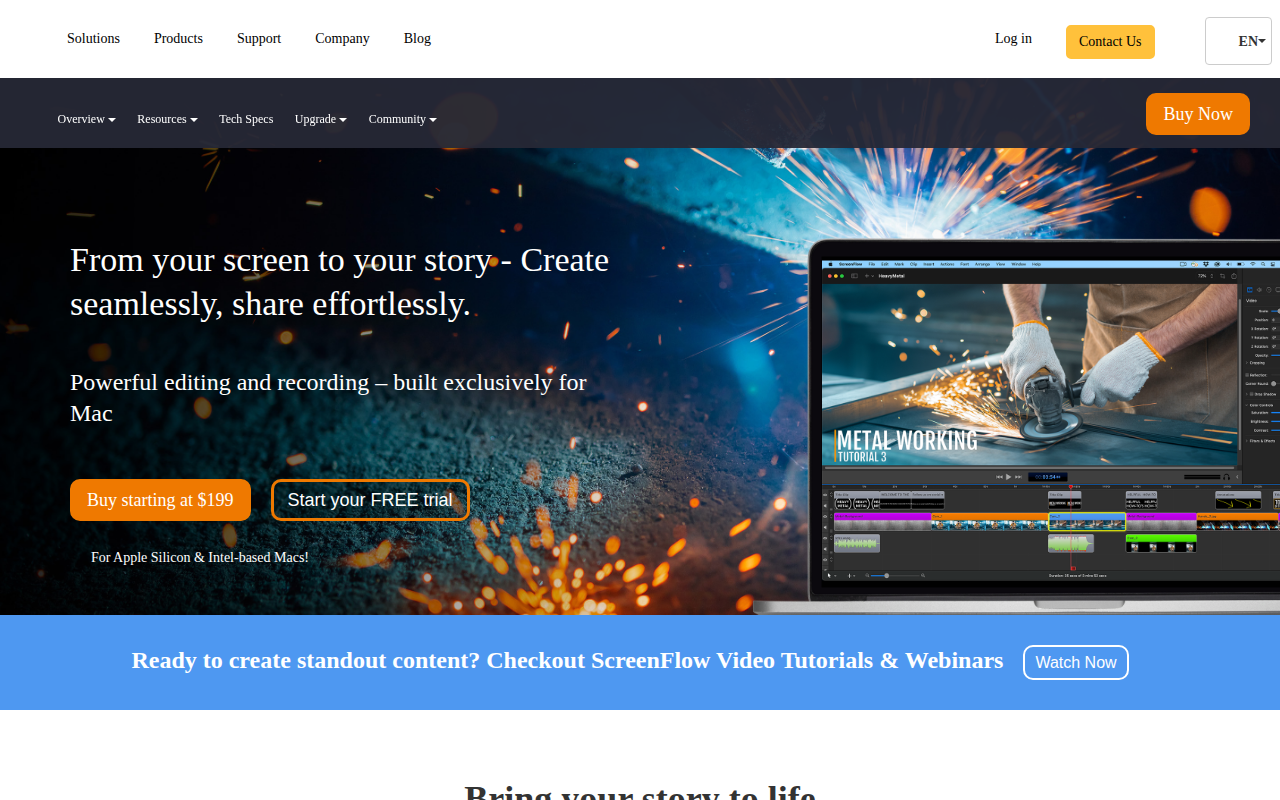
ScreenFlow
Screencasting and video editing software.
Task & Project Management
Screenshot Brain
Turn your screenshots into searchable AI knowledge