
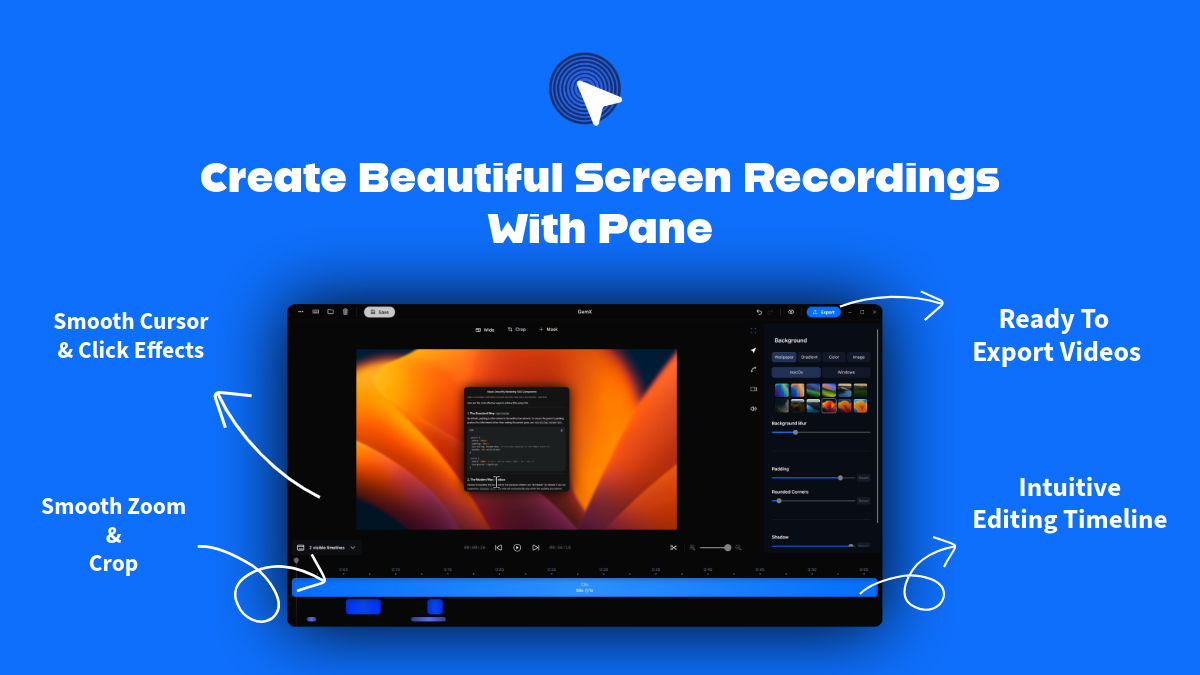
Pane Studio (Beta)
Produce polished product demos
Pane Studio is a Windows‑native screen recorder designed for creating product demos, tutorials, and course videos without separate editing steps. It captures the desktop, specific windows or applications, and supports multiple monitors, while automatically applying zoom‑ins on clicks, smoothing cursor motion, and adding cinematic animations. The recorder also includes a built‑in editor that lets users trim, crop, adjust aspect ratios (vertical, square, landscape), and change playback speed directly after recording.
The software targets creators, educators, and product teams who need polished screen recordings on Windows 10 or 11. Its AI‑assisted cursor engine refines mouse movements, and users can resize or hide the cursor post‑capture. Integrated visual enhancements such as padding, shadows, and brand colors help maintain a consistent look across clips.
Pane Studio distinguishes itself by combining automatic zoom effects, cursor smoothing, and a native video editor into a single Windows application, eliminating the need for separate tools or manual post‑production work.
Reviews
Loading reviews…
Similar apps
Screenshot & Screen Recording
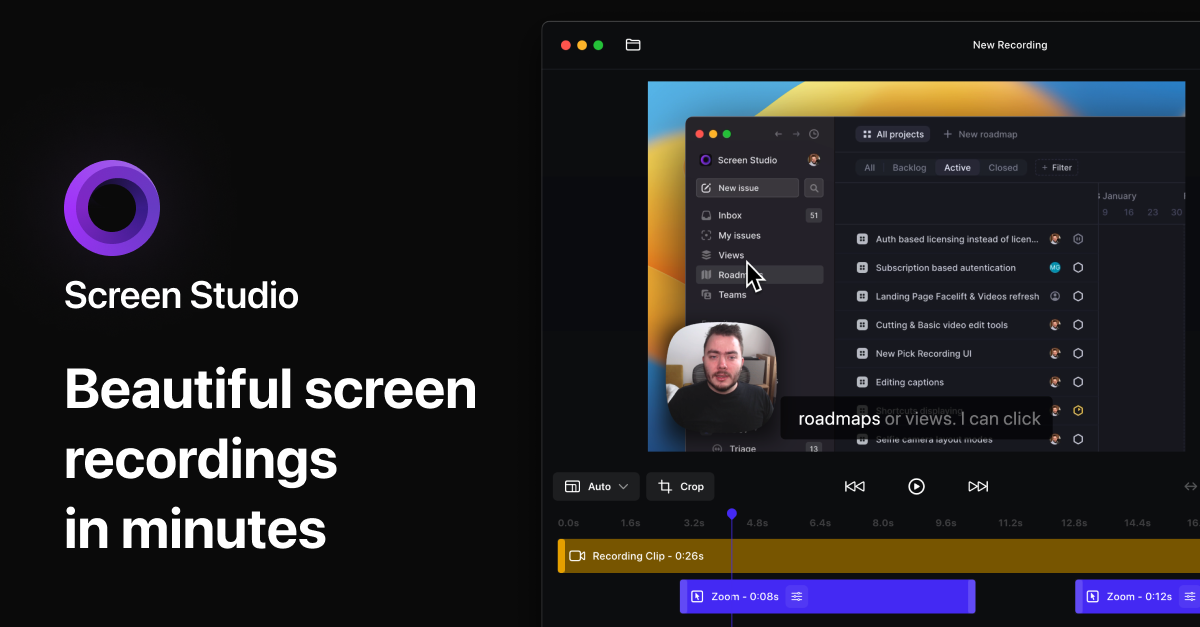
Screen Studio
Screen recorder for polished videos with automatic motion effects.
Screenshot & Screen Recording
Screen Studio
Screen recorder and editor
Screenshot & Screen Recording
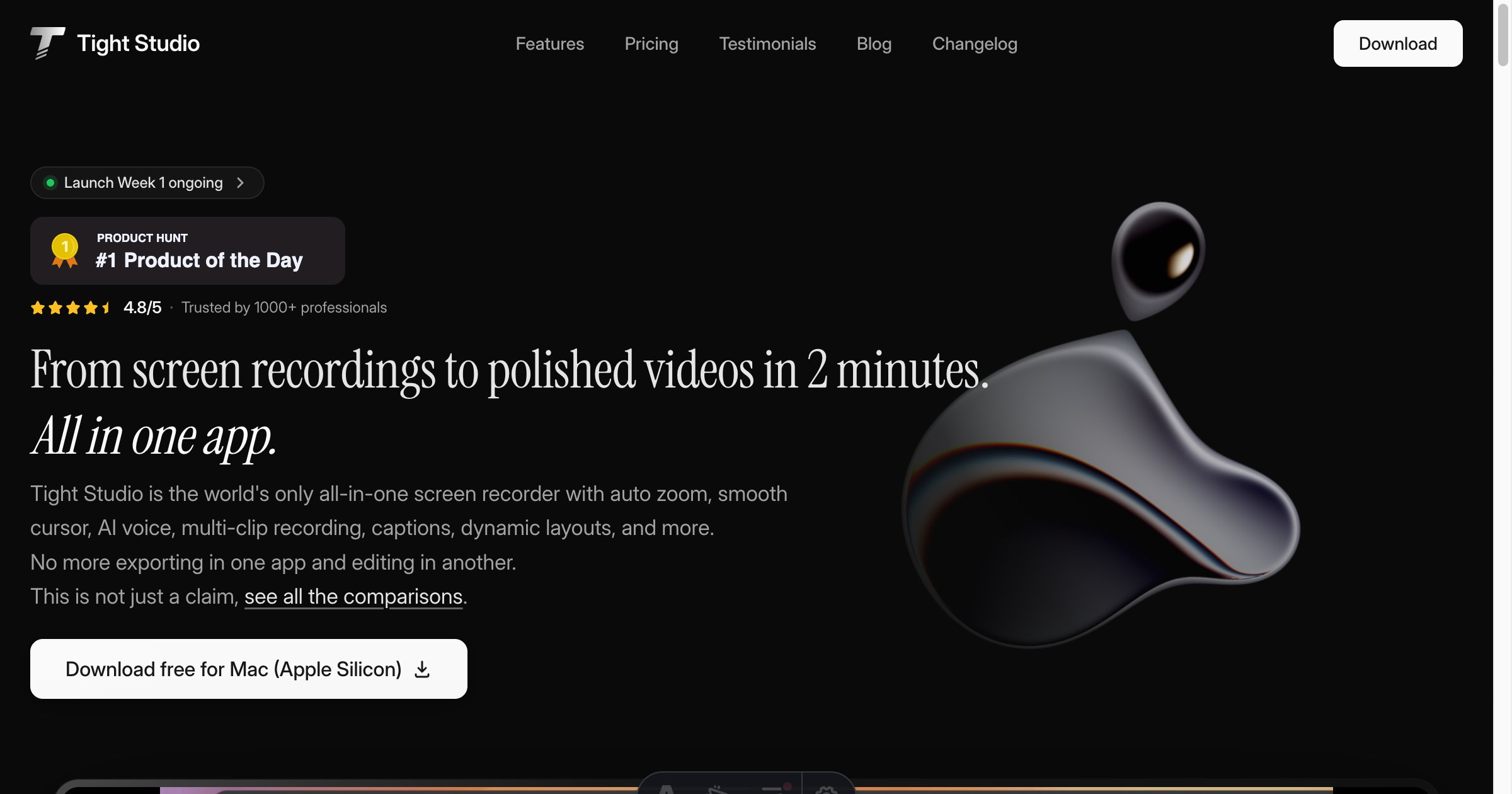
Tight Studio
Screen recorder with smart zoom, captions, and AI voiceovers.
Screenshot & Screen Recording
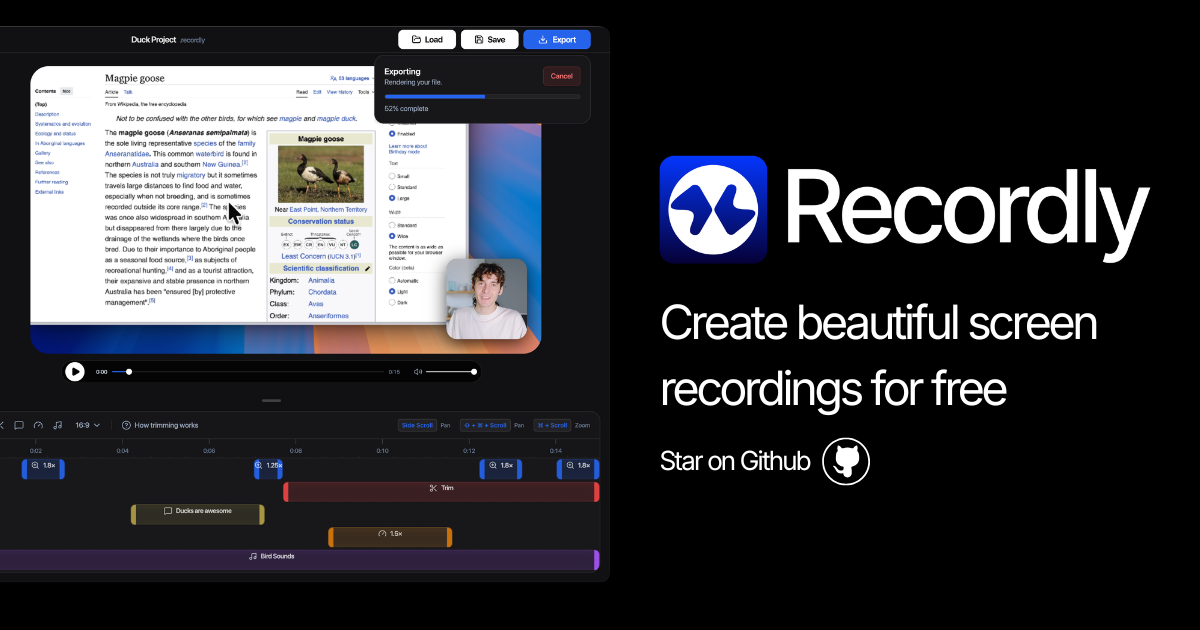
Recordly
Open-source screen recorder and editor for polished demos, tutorials, and product videos.
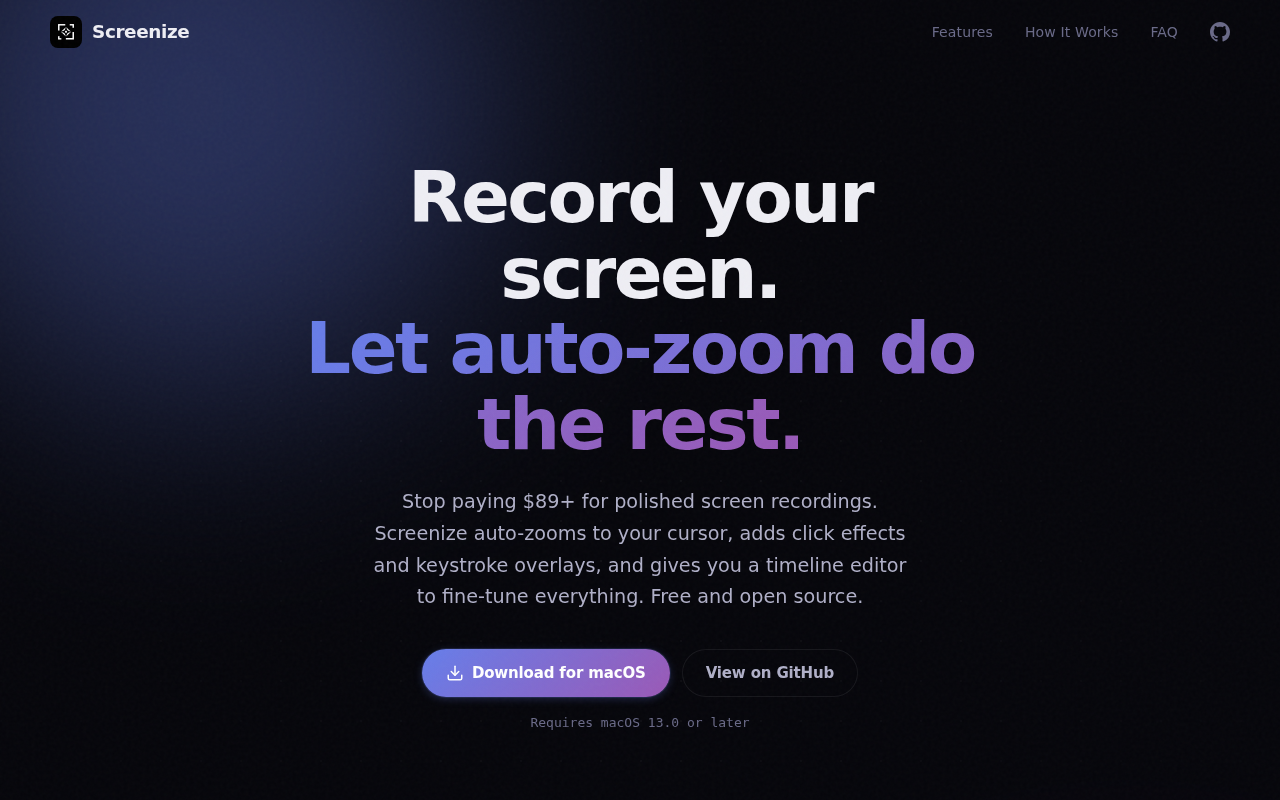
Screenshot & Screen Recording
Screenize
Open-source screen recorder with auto-zoom, cursor effects, and timeline editing.
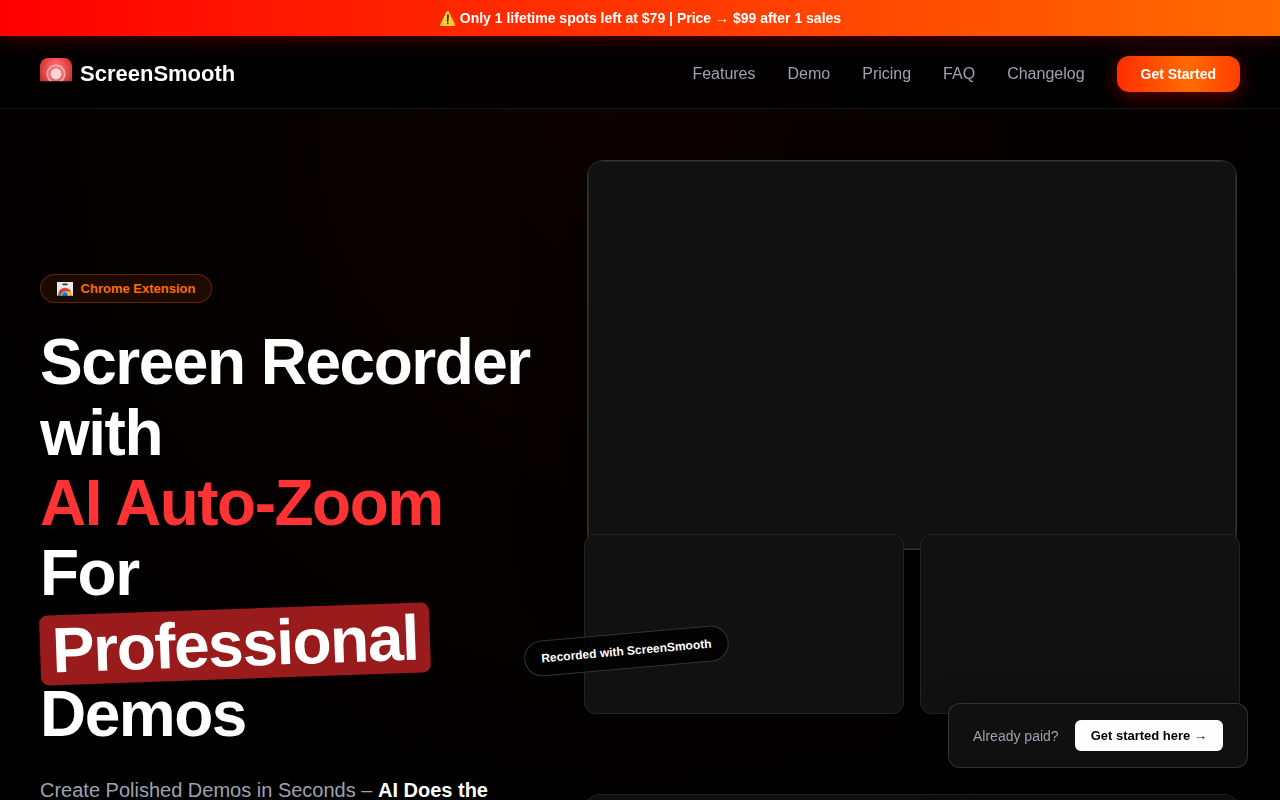
Screenshot & Screen Recording
ScreenSmooth
Beautiful Screen Recordings in minutes