
Snip
Application for sharing captured images on QQ Mail. ![Freeware][Freeware Icon]
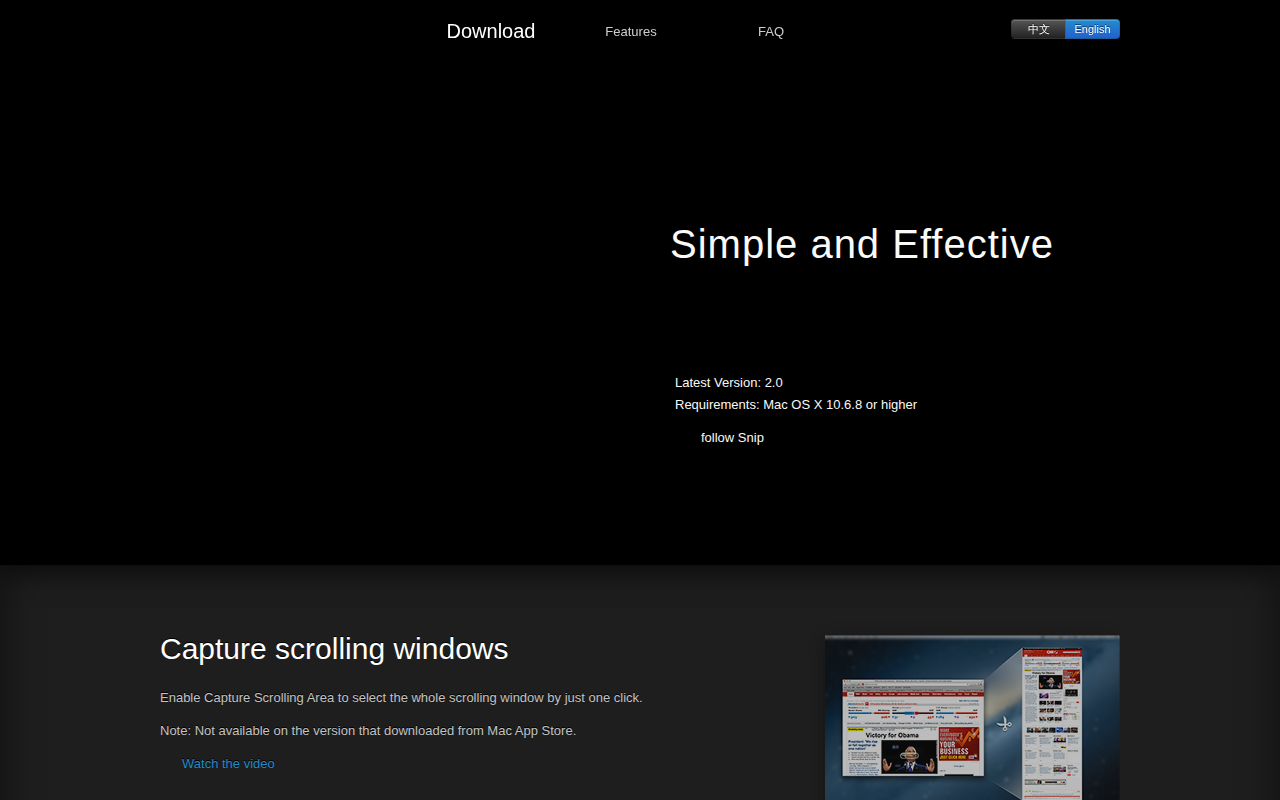
Snip lets users capture screenshots of static or scrolling windows on macOS and then share them directly through QQ Mail. The tool can automatically detect open windows, allowing a single click to capture the highlighted area, or users can define a custom region manually. Captured images retain high‑resolution detail on Retina displays, and the application supports adding editable tags such as rectangles, ellipses, arrows, and handwritten annotations with adjustable size, position, and color.
The software integrates with QQ Mail by installing a plug‑in, enabling a captured image to be sent via email with a single share action after the user links their QQ Mail account in the preferences. Users can also copy images to the clipboard or save them locally, and multiple annotations can be selected and manipulated together using modifier keys.
Snip is offered as freeware for macOS 10.6.8 or later, with a stable release that includes features like scrolling‑area capture (available outside the Mac App Store version), tag editing, and a set of FAQ resources to guide common tasks such as shortcut customization and image saving.
Reviews
Loading reviews…
Similar apps
Screenshot & Screen Recording
Xnip
Handy Screenshot App.
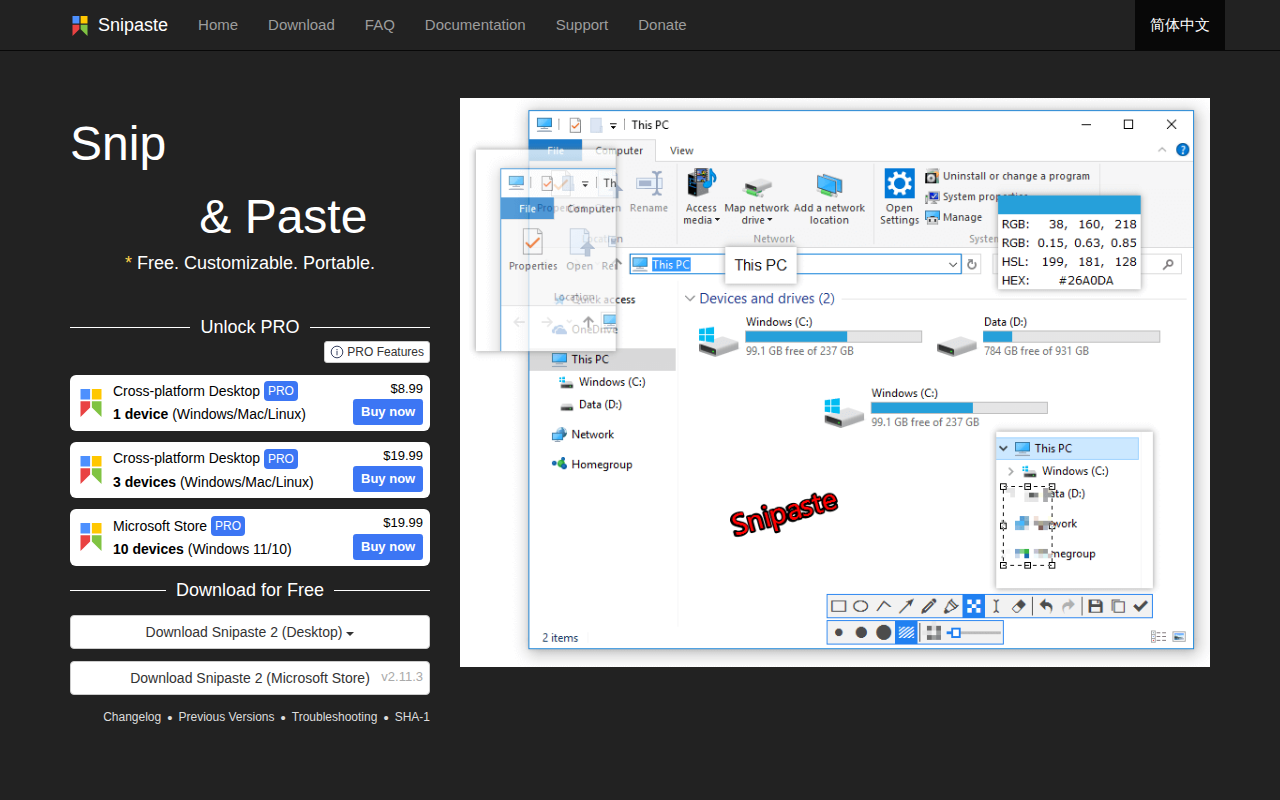
Photo & Video Management
Snipaste
Simple but powerful snipping tool. ![Freeware][Freeware Icon]
Screenshot & Screen Recording
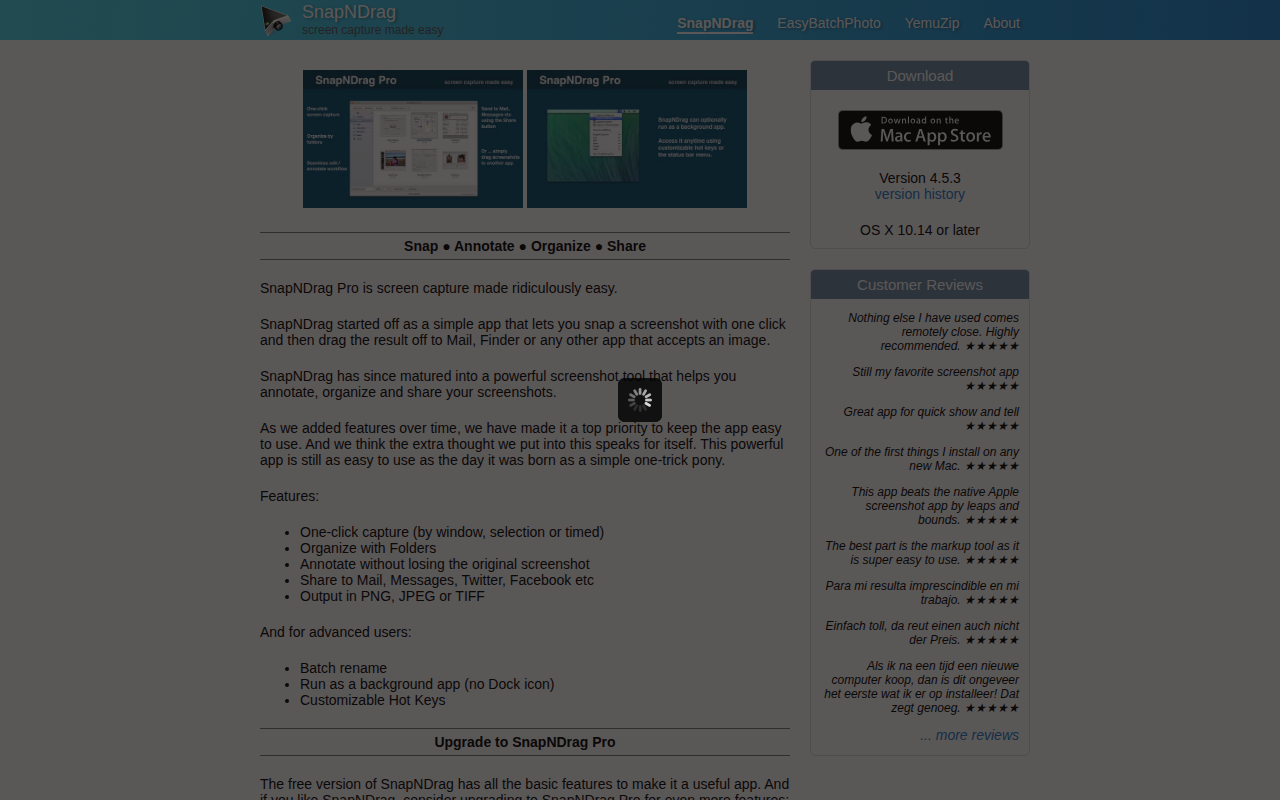
SnapNDrag
Screen capture application
Screenshot & Screen Recording
ksnip
Screenshot and annotation tool

Screenshot & Screen Recording
Monosnap
Make screenshots. Draw on it. Shoot video and share your files. It's fast, easy and free. ![Freeware][Freeware Icon]

Screenshot & Screen Recording
PixPin
Screenshot tool