
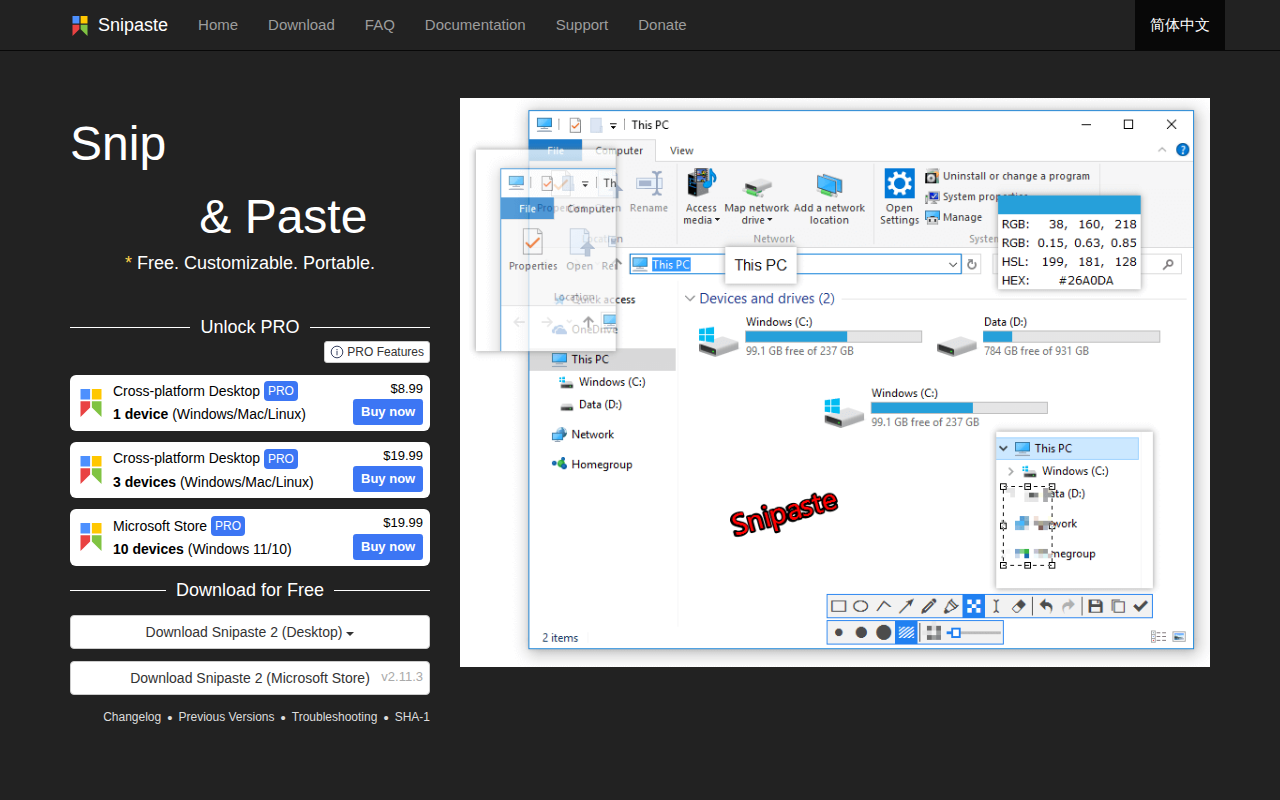
Snipaste
Simple but powerful snipping tool. ![Freeware][Freeware Icon]
Snipaste lets users capture any part of the screen, then paste the resulting image as a top‑most floating window that can be moved, resized, rotated, flipped, made translucent, or set to click‑through. The tool supports pixel‑level control, automatic UI element detection, HiDPI displays, and multi‑screen setups. It can also turn plain text, HTML, or color information from the clipboard into floating images, and it handles common image formats such as PNG, JPG, BMP, GIF, and TIFF.
The application includes a range of annotation features, including shapes, arrows, pencils, text, mosaic, Gaussian blur, and eraser, with undo/redo support. Users can customize the interface theme, font, tray icon, and hotkey bindings, and the program offers automatic backup and restore of settings and history. It runs on Windows, macOS, and Linux in portable or Microsoft Store versions.
Snipaste is aimed at programmers, designers, and anyone who spends extensive time on a computer and needs quick visual references or on‑the‑fly image editing. It is free for personal use, with optional paid licenses for additional devices and professional features.
Reviews
Loading reviews…
Similar apps
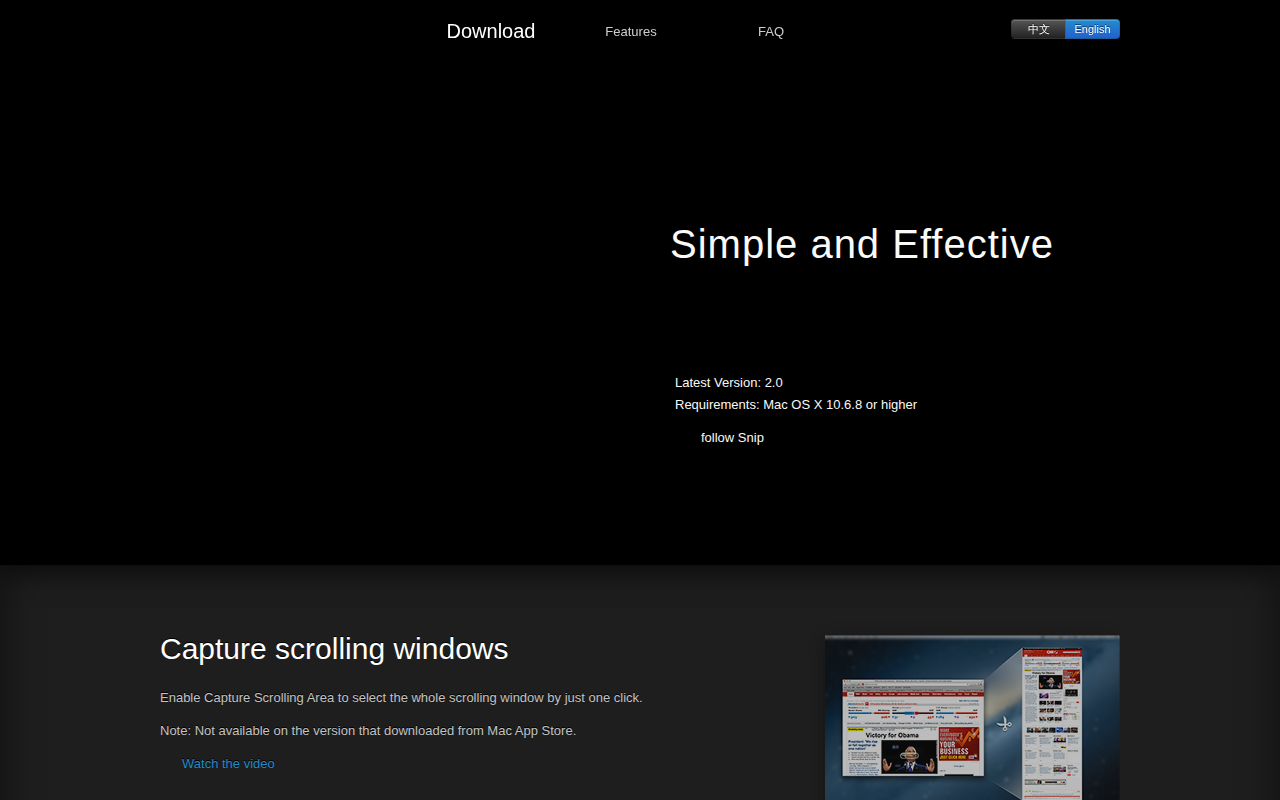
Photo & Video Management
Snip
Application for sharing captured images on QQ Mail. ![Freeware][Freeware Icon]

Screenshot & Screen Recording
Monosnap
Make screenshots. Draw on it. Shoot video and share your files. It's fast, easy and free. ![Freeware][Freeware Icon]
Clipboard, Input & Automation
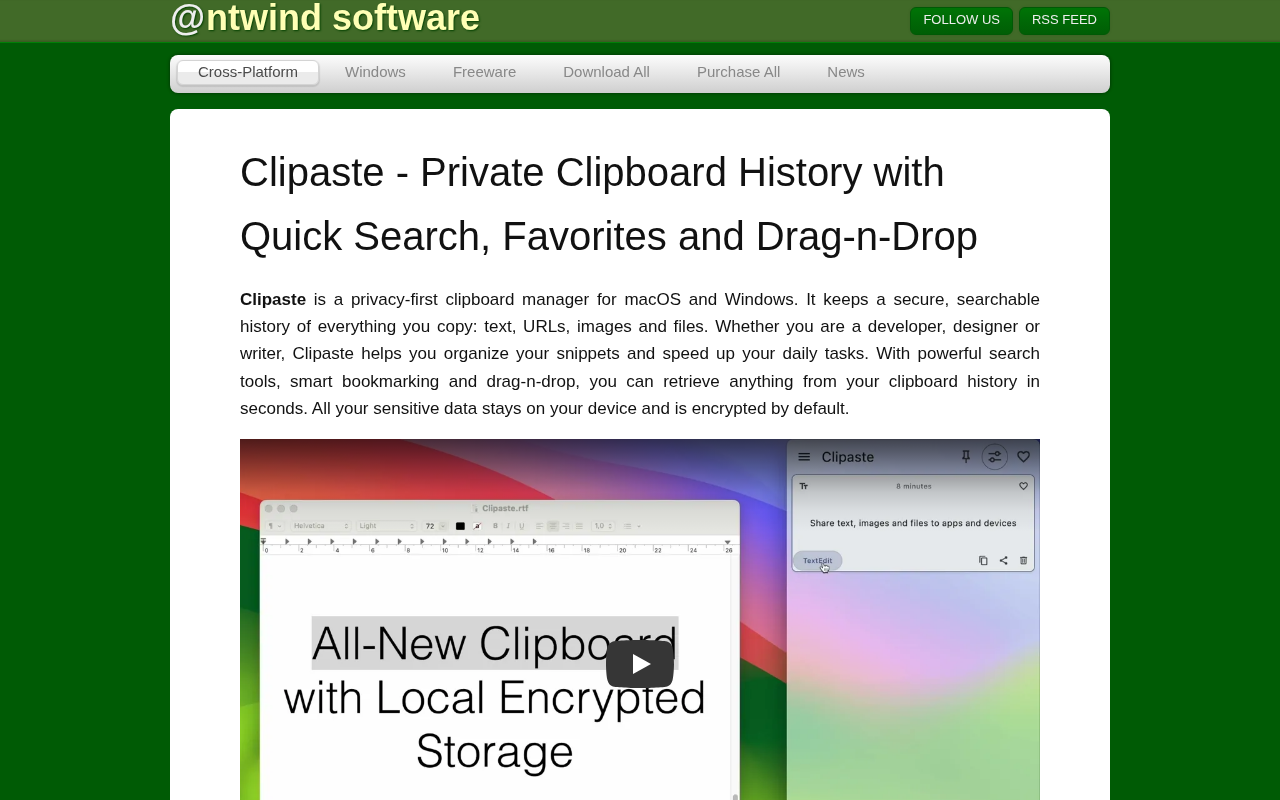
Clipaste
Clipboard history manager
Screenshot & Screen Recording
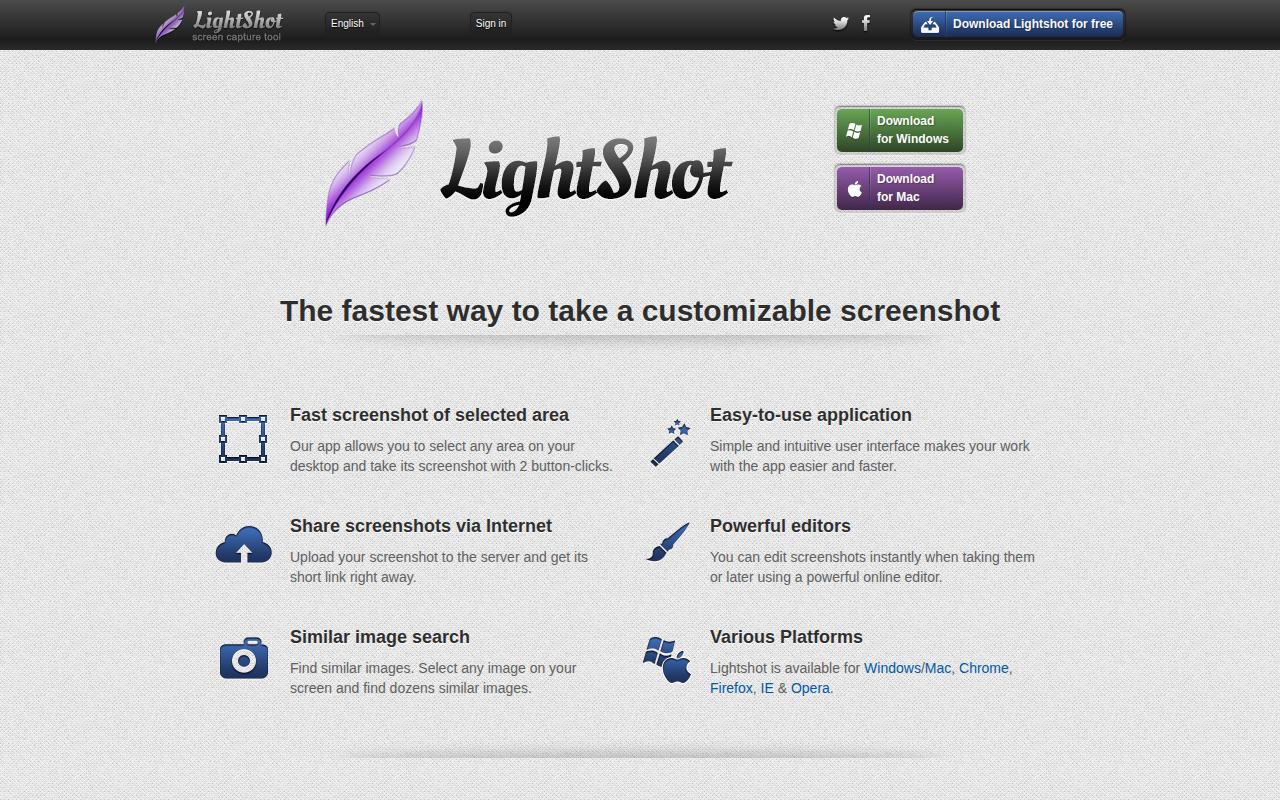
Lightshot
The fastest way to take a customizable screenshot. ![Freeware][Freeware Icon]
Screenshot & Screen Recording
PixPin
Screenshot tool
Screenshot & Screen Recording
Xnip
Handy Screenshot App.