

Teampaper Snap
Let your screenshots speak up. ![Freeware][Freeware Icon]
Teampaper Snap provides a macOS screen‑capture utility that lets users select an area of the screen, record a short video, or take a screenshot, then immediately annotate the result. After editing, the capture can be copied to the clipboard, saved locally, or uploaded to a companion cloud web app for sharing with teammates or publishing publicly.
The tool is positioned for designers and digital professionals who need a straightforward way to document visual work without extra, unrelated features. Its workflow centers on quick capture, in‑place annotation, and flexible export options, keeping the process simple and consistent across individual and team use.
A cloud service backs the desktop component, offering a shared space where captured images and videos can be stored, organized, and accessed by collaborators. This two‑part system aims to maintain visual consistency for notes, revisions, and reviews within a team environment.
Reviews
Loading reviews…
Similar apps

Screenshot & Screen Recording
Xnapper
Screenshot tool
Screenshot & Screen Recording
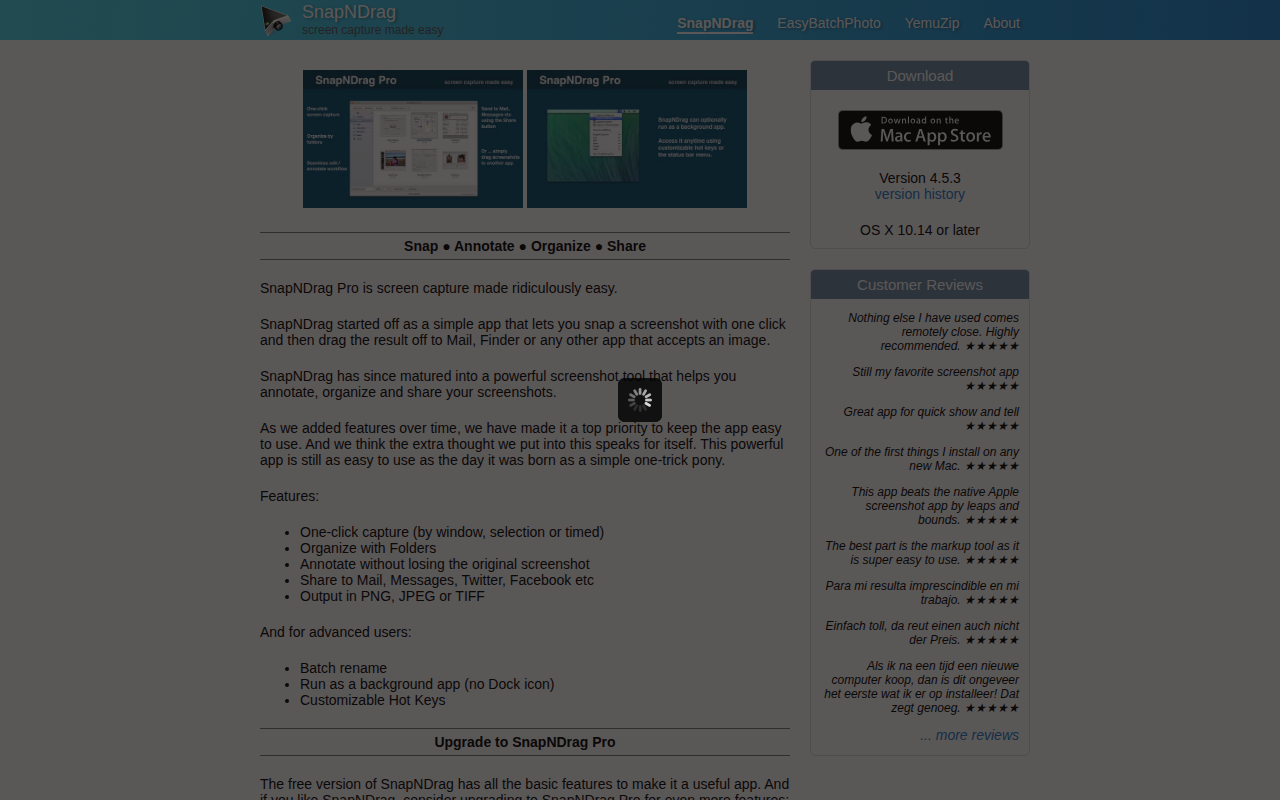
SnapNDrag
Screen capture application

Screenshot & Screen Recording

Monosnap
Make screenshots. Draw on it. Shoot video and share your files. It's fast, easy and free. ![Freeware][Freeware Icon]
Screenshot & Screen Recording
PixPin
Screenshot tool
Screenshot & Screen Recording
Snapr
Screenshot, record, annotate & edit video in one app
Screenshot & Screen Recording
Flameshot
Powerful yet simple to use screenshot software. ![Open-Source Software][OSS Icon] ![Freeware][Freeware Icon]