

Tuji
Take a screenshot, annotate it, and beautify it.
Tuji is a macOS screenshot utility that lets users capture full‑screen, windowed, or custom‑area images, then edit them directly within the same application. It supports opening existing images from disk or the clipboard, and each capture is stored in a history panel for later reopening and modification.
The editing suite includes text, arrows, shapes, mosaics, watermarks, QR codes, and a magnifying glass, all with customizable colors and styles. Users can enhance screenshots with borders, shadows, gradients, wallpapers, or plain‑color backgrounds, and they can adjust the aspect ratio—such as 3:2 or 16:9—while filling empty space with the chosen background.
Export options are limited to a single click: the edited image can be copied to the clipboard or saved as a file, with configurable defaults for these actions. All processing occurs locally, and no personal data is transmitted or stored in the cloud.
Reviews
Loading reviews…
Similar apps
Screenshot & Screen Recording
Xnapper
Screenshot tool
Screenshot & Screen Recording
PixPin
Screenshot tool
Screenshot & Screen Recording
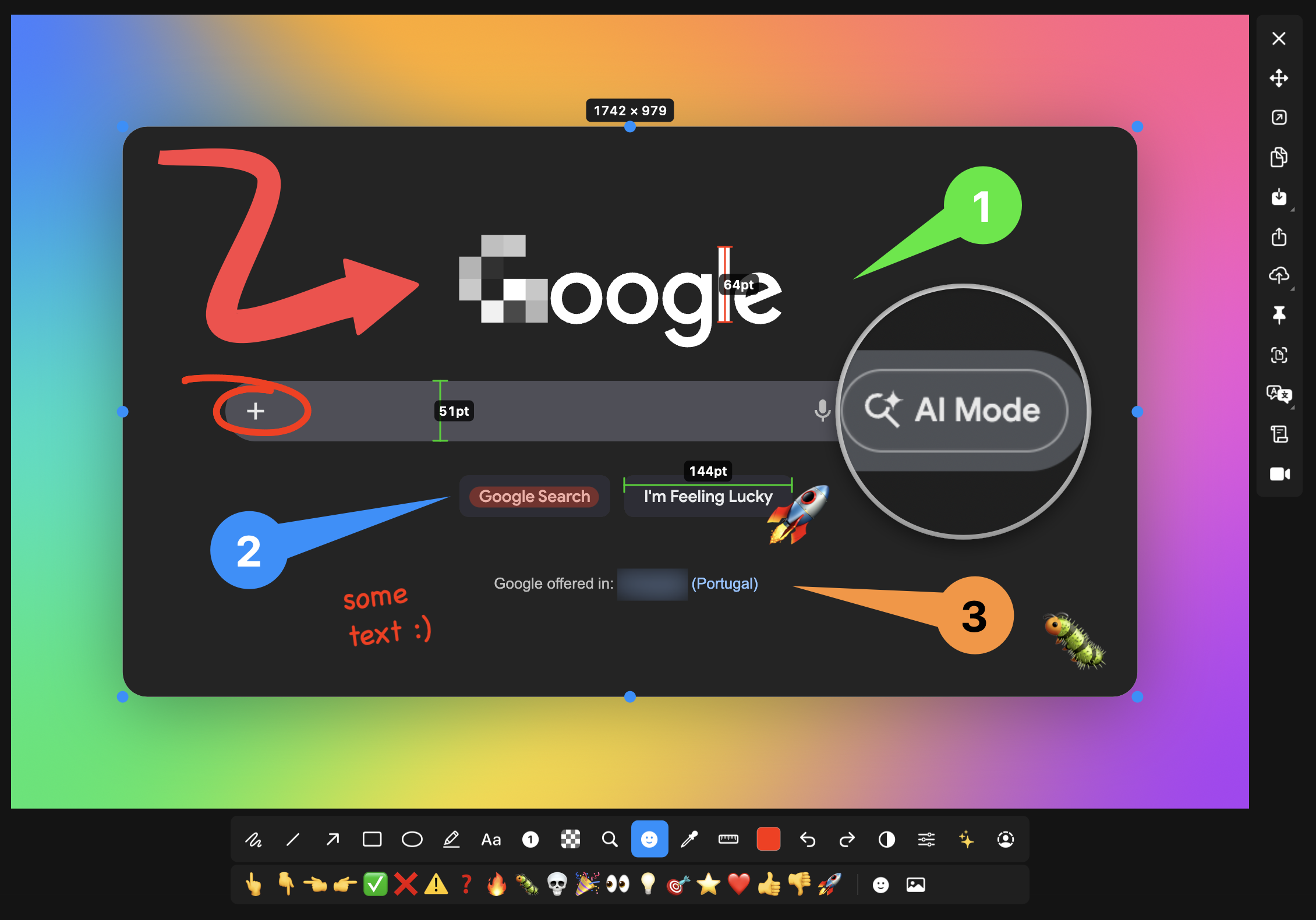
macshot
Screenshot and annotation tool with screen recording, scrolling capture, and OCR.
Screenshot & Screen Recording
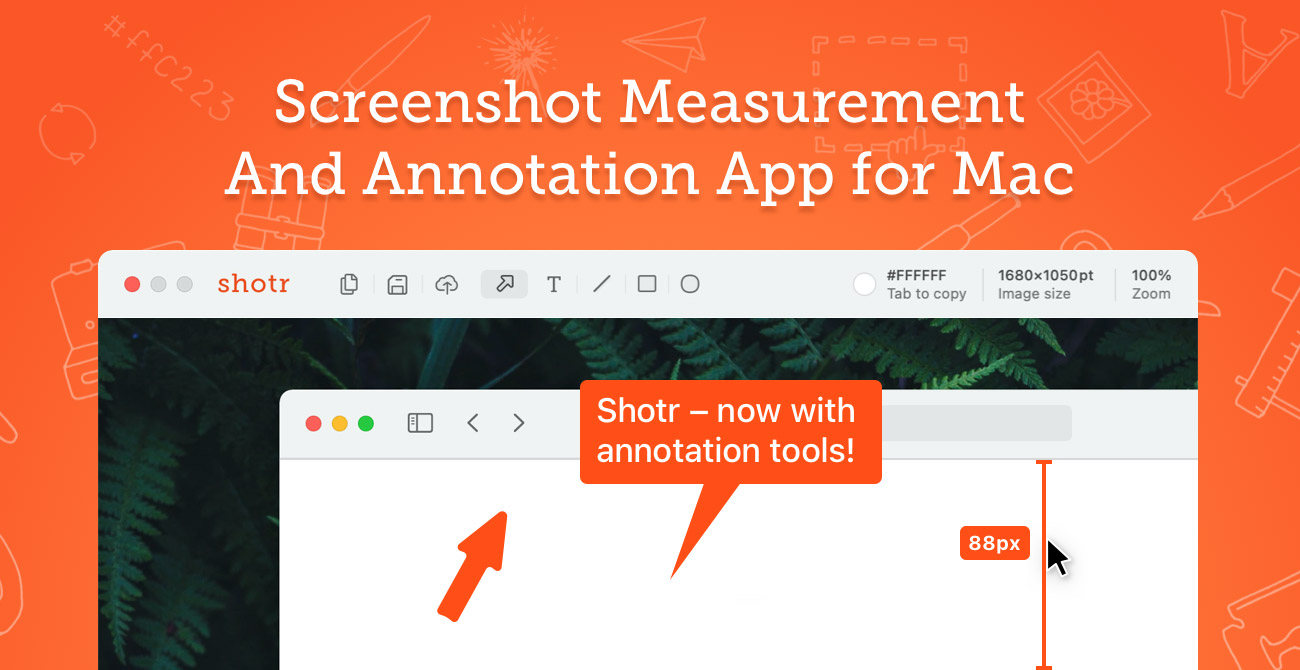
Shottr
Screen capture application with features like Scrolling capture, OCR and markup.
Screenshot & Screen Recording
Capty
Screen capture and recording tool with built-in editing and annotations.
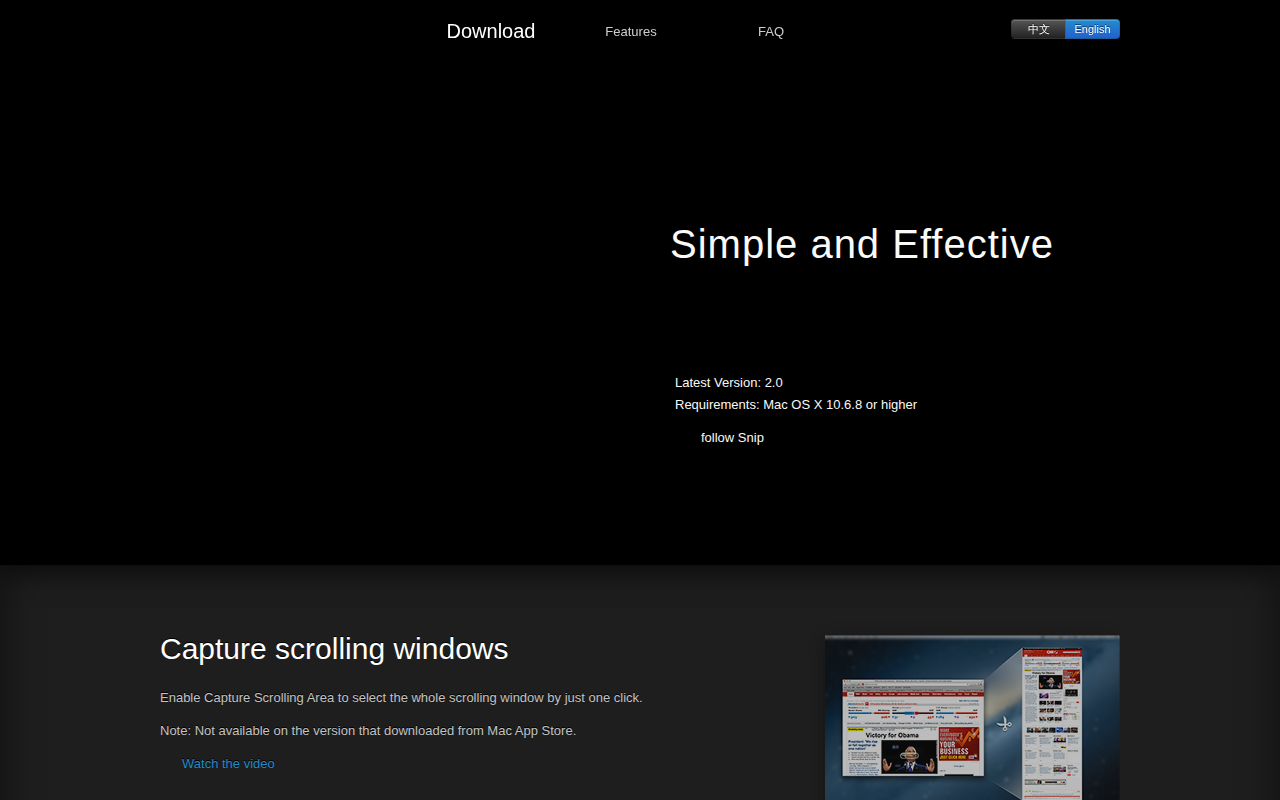
Photo & Video Management
Snip
Application for sharing captured images on QQ Mail. ![Freeware][Freeware Icon]