
Scrapp
Screenshot tool with cloud storage
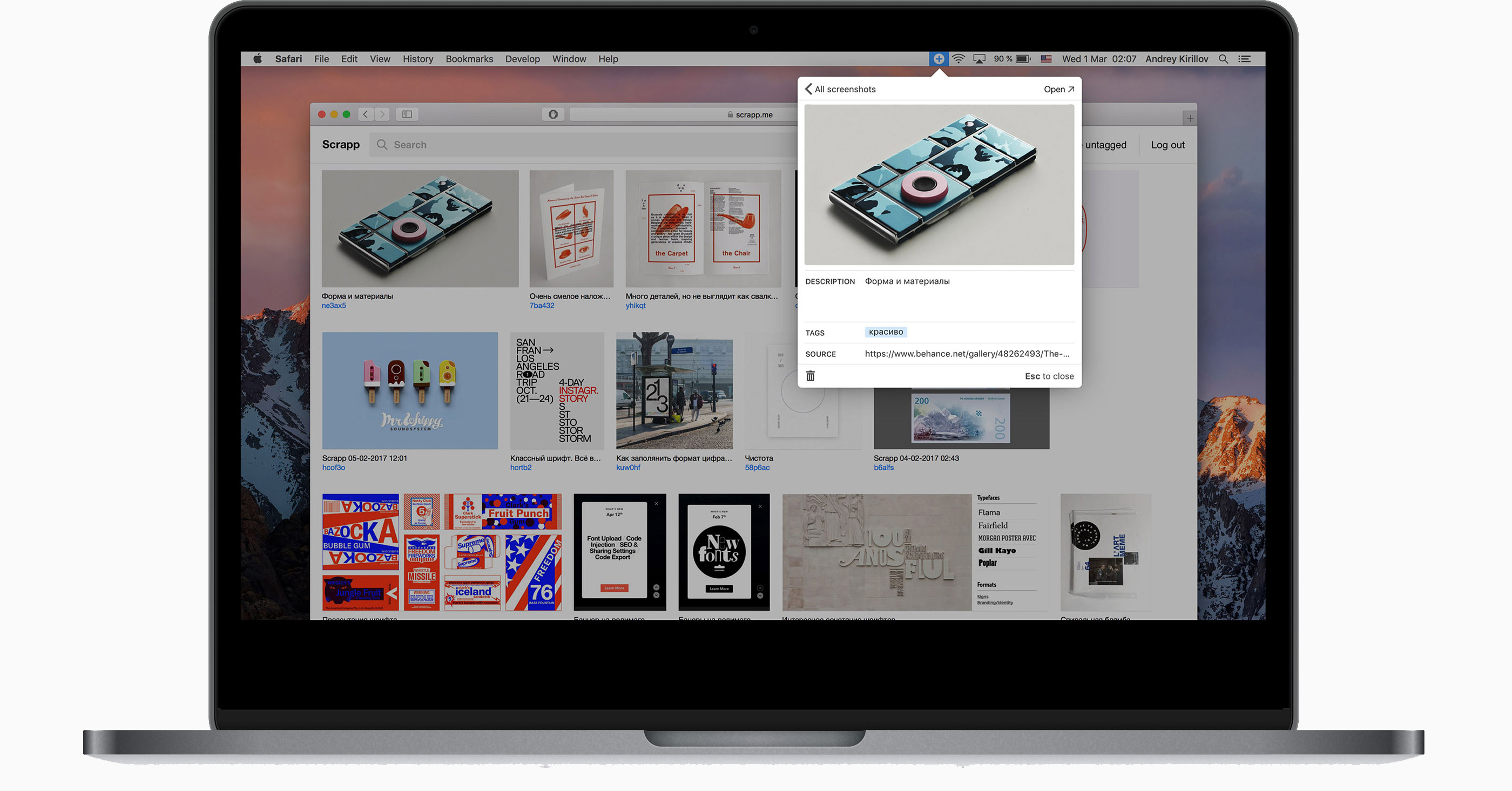
Scrapp lets macOS users capture screenshots, save images from the web, and organize them in a private gallery. Each item can be annotated with a description, tags, and a link to its source page, enabling later retrieval through tag‑based search. The interface supports drag‑and‑drop addition of pictures and automatically hides untagged items, helping keep the collection free of clutter.
The tool is aimed at designers, photographers, and anyone who needs to build a visual reference library. By attaching contextual metadata to each capture, users can assemble themed collections—for example, meeting screenshots tagged for a project or inspiration boards for creative work. Sharing is facilitated through link copying, and the stored URLs remain attached to the corresponding images.
Scrapp’s distinctive features include a searchable gallery, the ability to filter out “noise” by removing untagged entries, and seamless integration of source links into the annotation. It is a stable macOS‑only application that emphasizes organized knowledge accumulation through visual assets.
Reviews
Loading reviews…
Similar apps
Screenshot & Screen Recording
Xnapper
Screenshot tool
Screenshot & Screen Recording
PixPin
Screenshot tool
Photo & Video Management
Snip
Application for sharing captured images on QQ Mail. ![Freeware][Freeware Icon]

Screenshot & Screen Recording
Zappy
Zappy is a screenshot and screen recording app all in one. Has some simple editing tools built in.
Screenshot & Screen Recording
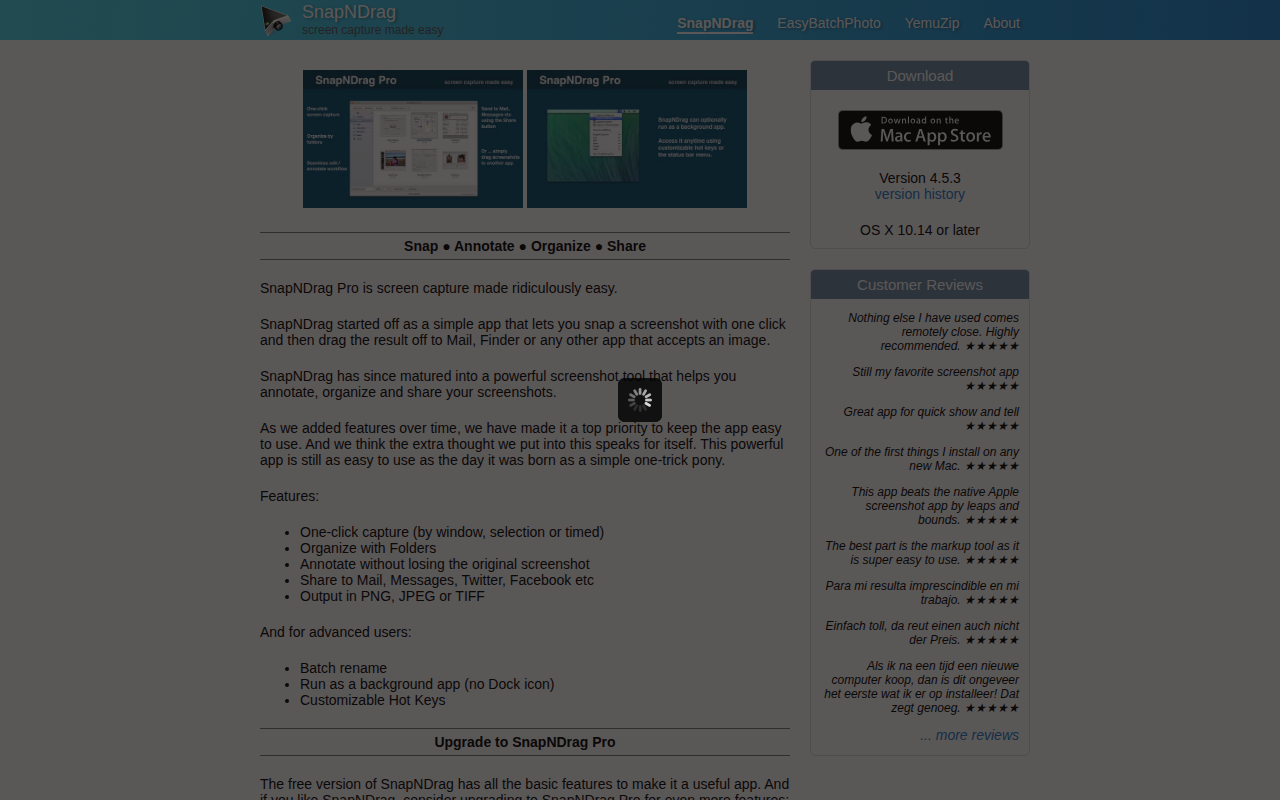
SnapNDrag
Screen capture application
Screenshot & Screen Recording
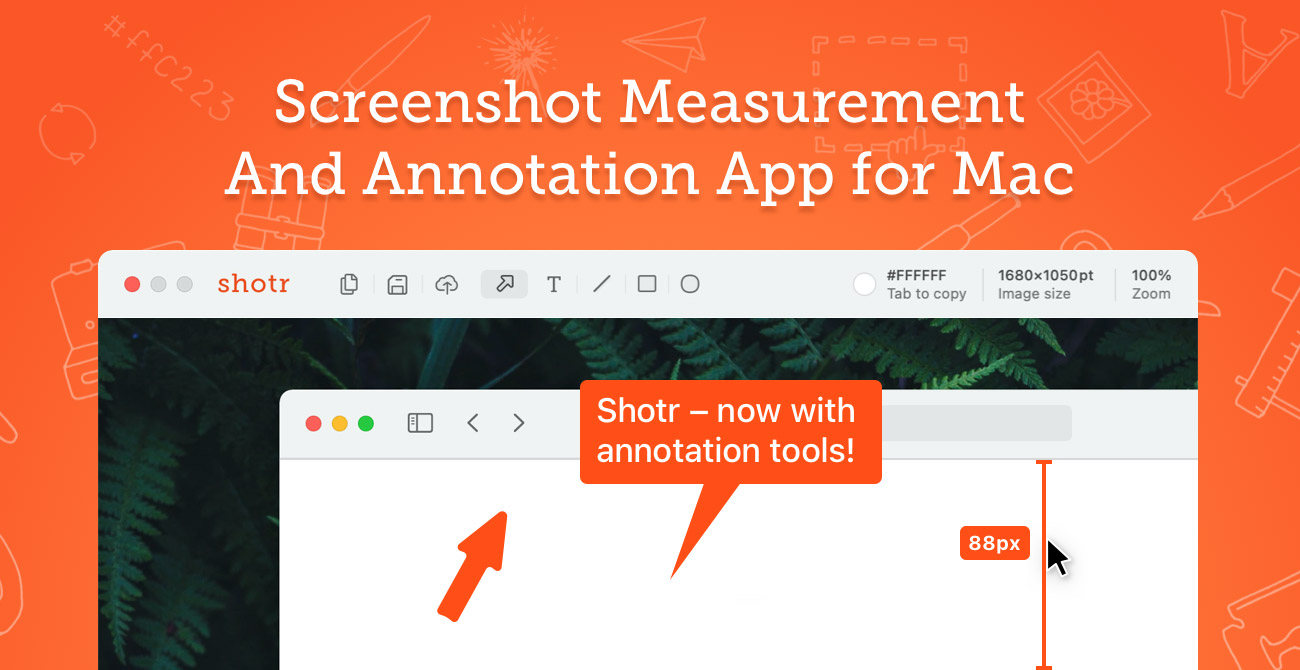
Shottr
Screen capture application with features like Scrolling capture, OCR and markup.